Privacy, Reinvented.
Protect your screen from prying eyes instantly. 100% Offline.
Gaze Guard automatically blurs your sensitive apps when you look away or when someone else is detected behind you.

Gaze Guard automatically blurs your sensitive apps when you look away or when someone else is detected behind you.
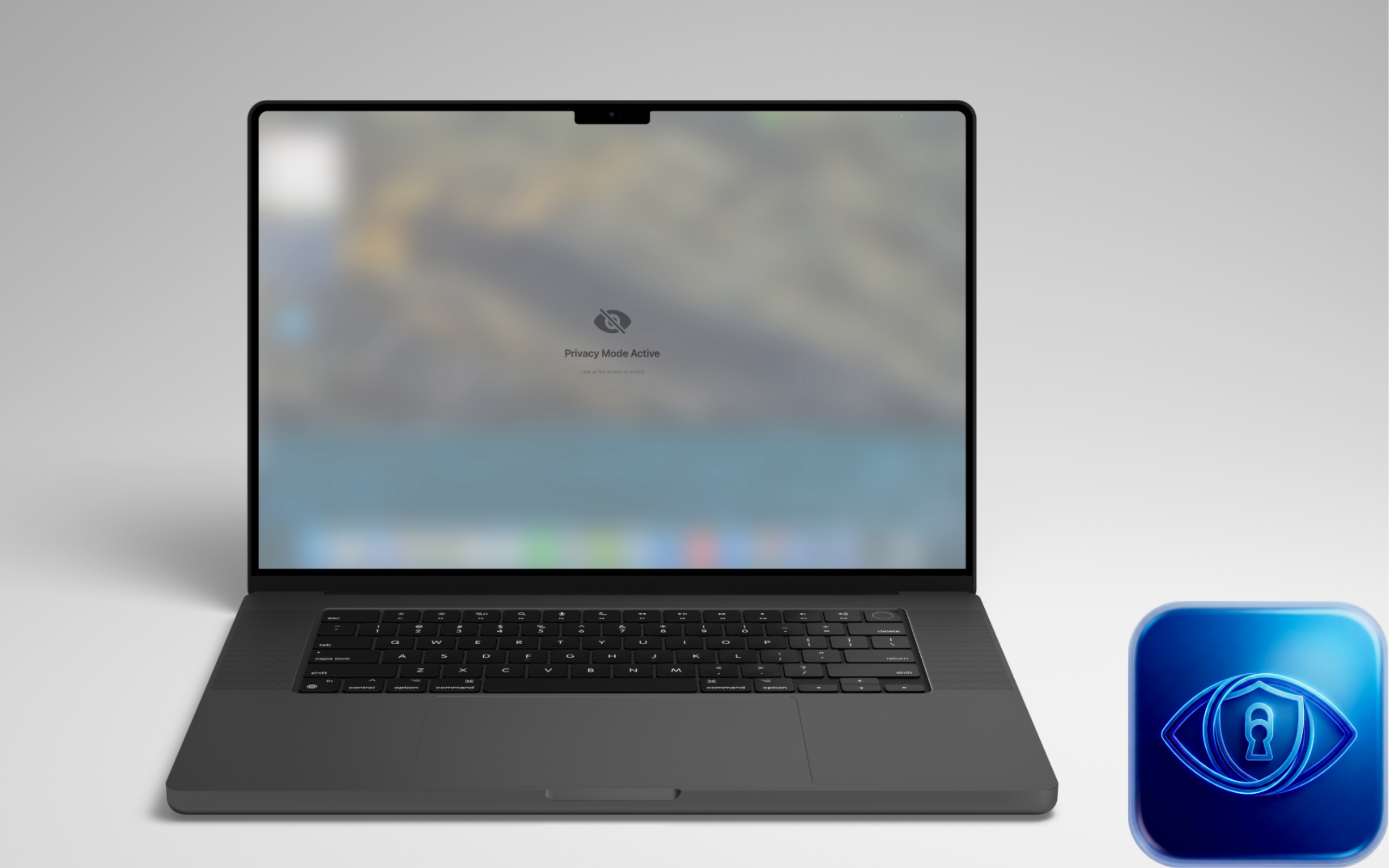
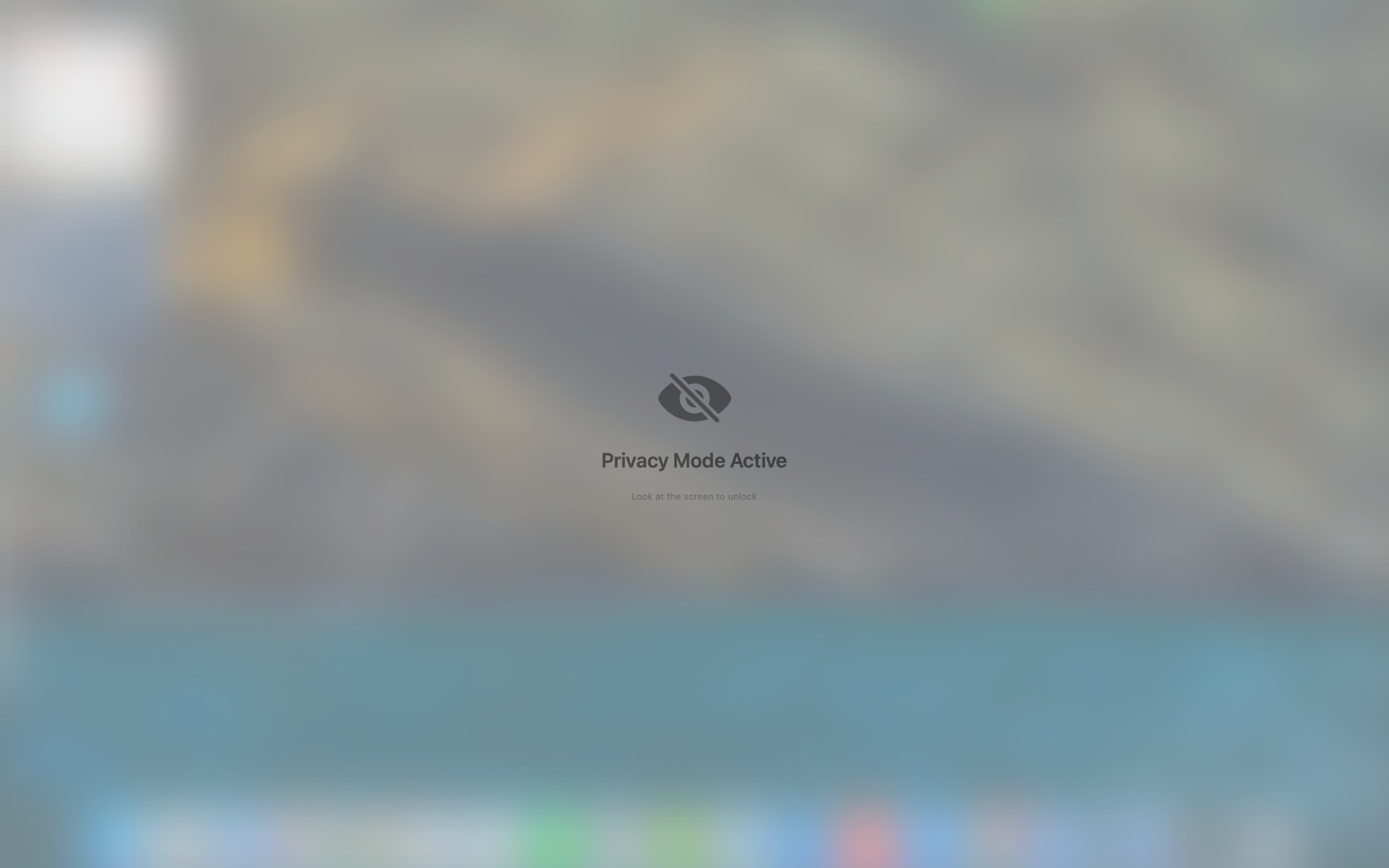
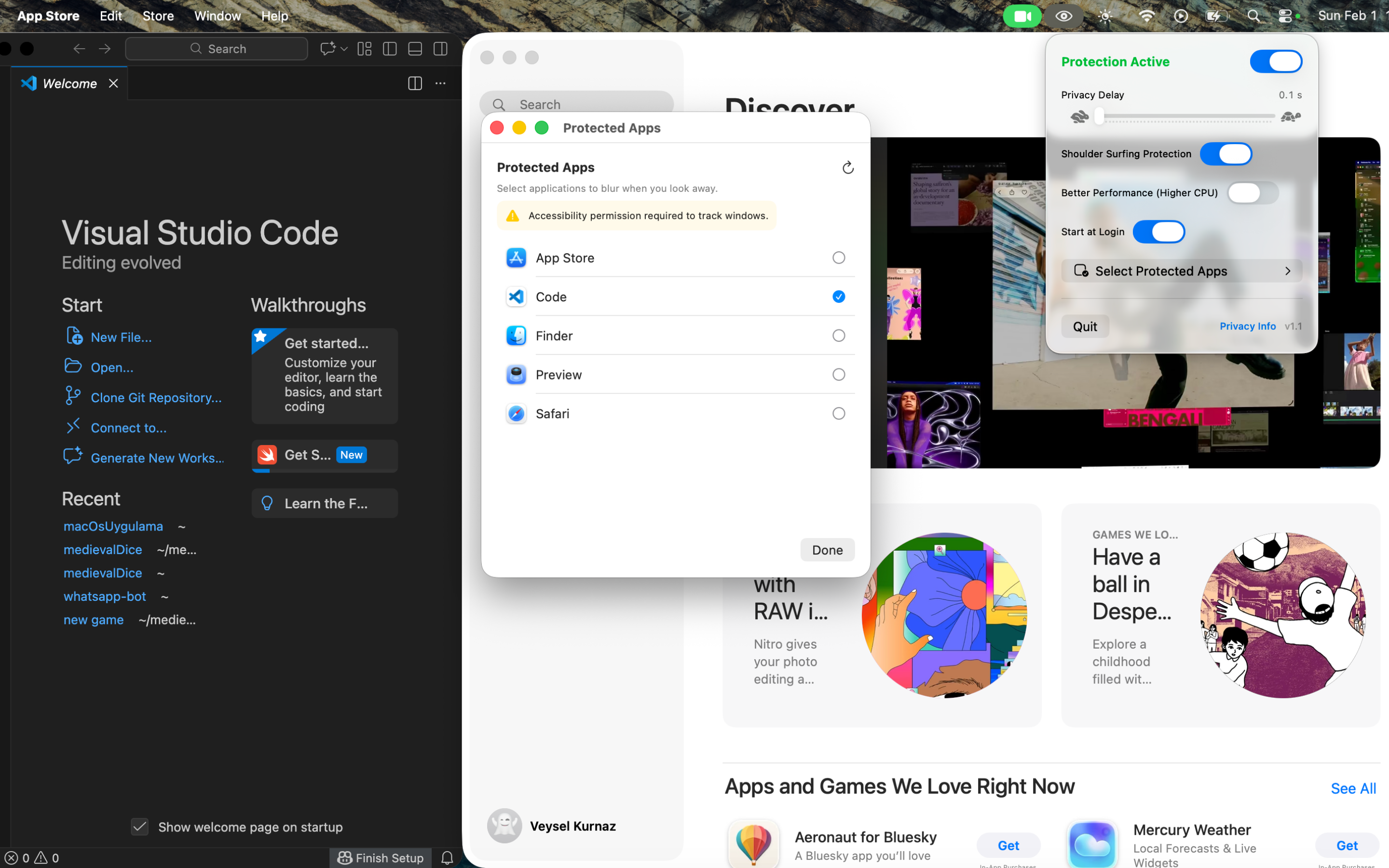
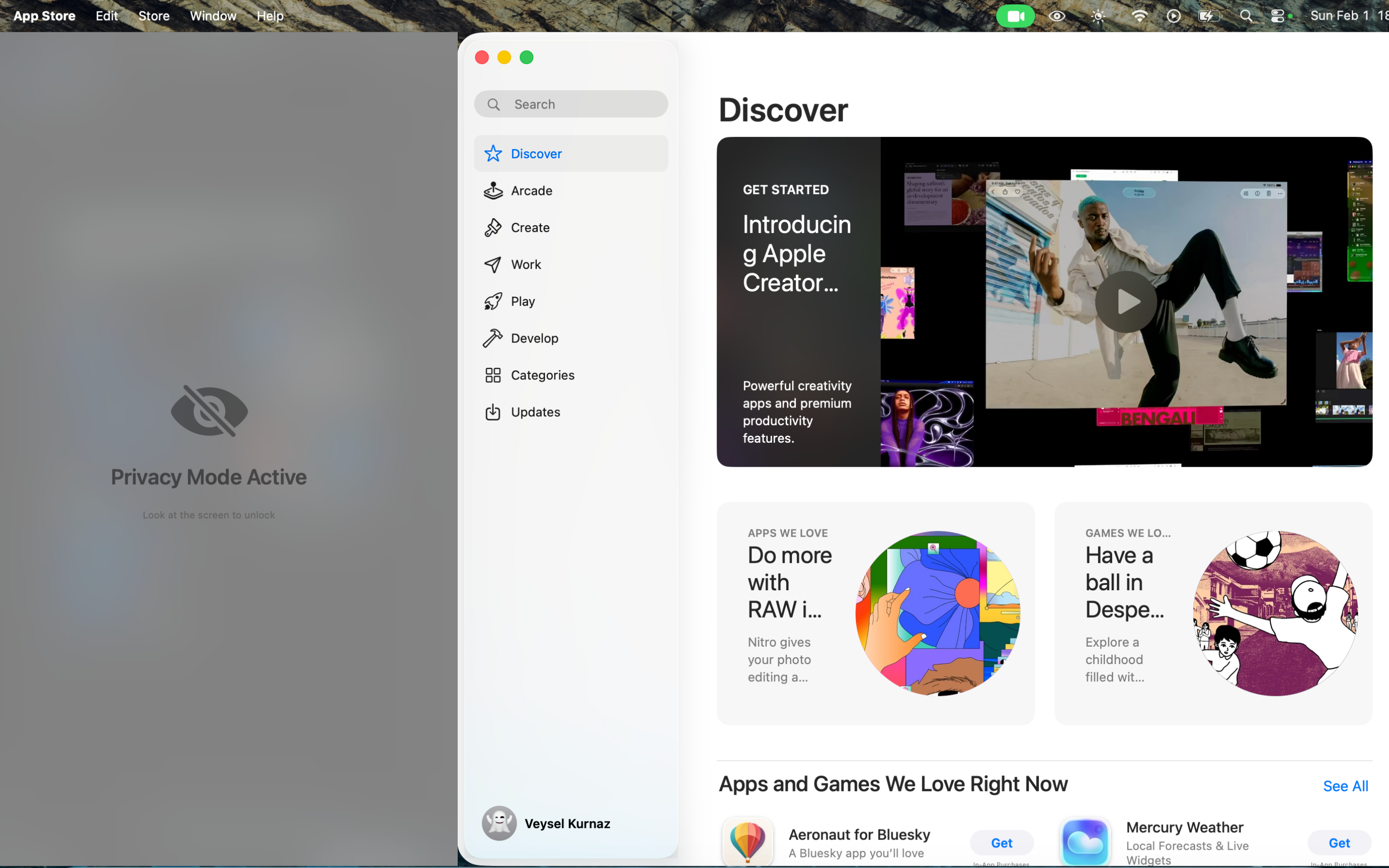
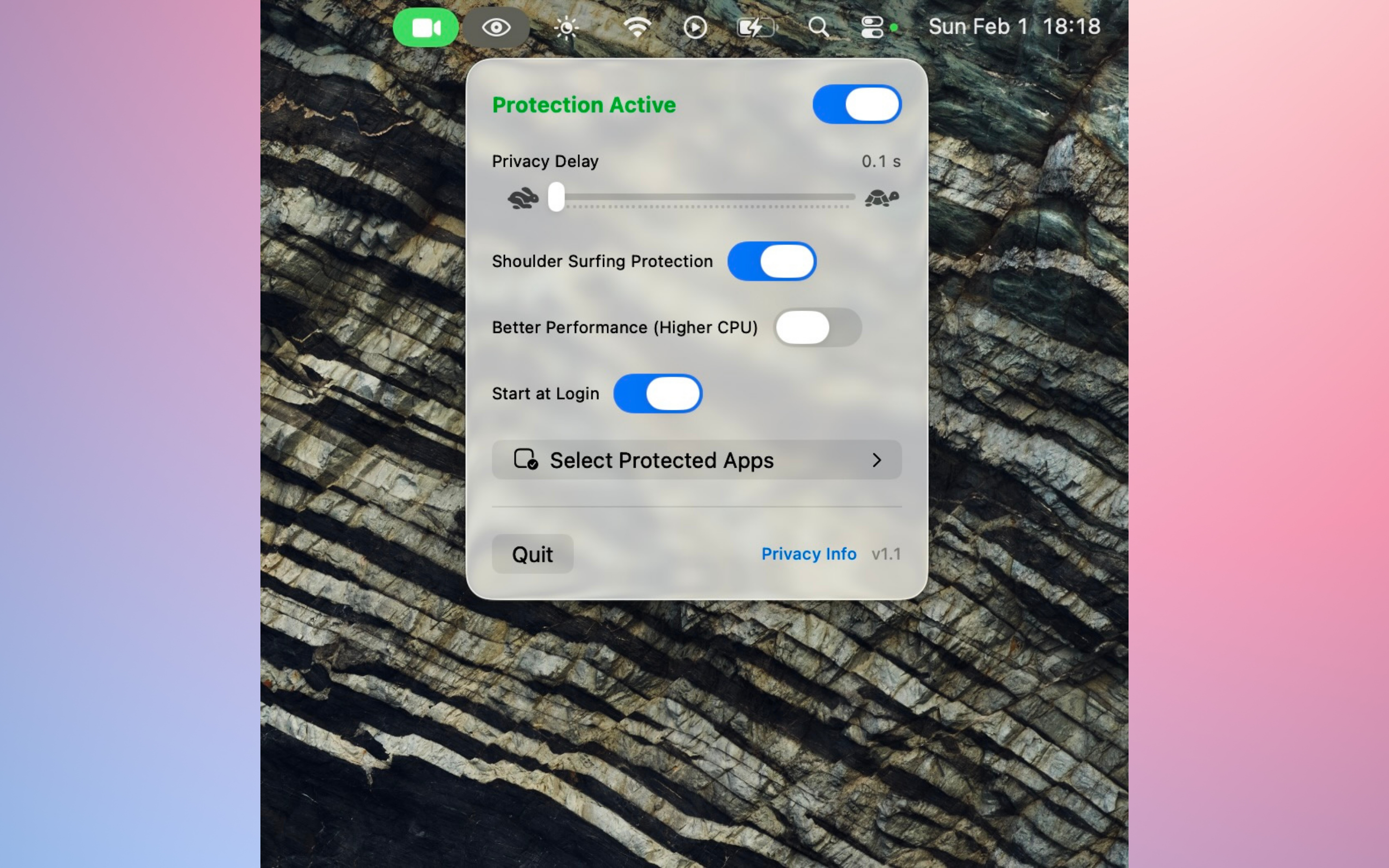
Uses Apple's Vision framework to detect when you look away, blurring your screen instantly to protect your data.
Detects unauthorized faces behind you using advanced analysis. Privacy mode activates immediately if someone peeks.
Optimized for Apple Silicon chips. Runs efficiently in the background with minimal battery impact.
Absolutely not. Gaze Guard is 100% offline. All processing happens locally on your Mac using Apple's Vision framework. We do not collect, store, or transmit any data whatsoever.
Yes. Gaze Guard has passed Apple's strict App Store review guidelines regarding privacy and security. Your camera feed is analyzed in real-time inside your Mac's RAM and is never recorded or saved to your disk.
If you are using a MacBook with a camera "notch" at the top of the screen, the Gaze Guard icon might be hidden behind it due to macOS automatically hiding overflow icons. To fix this, simply close some other menu bar apps, or hold down the Command (⌘) key and drag the Gaze Guard icon to the right side of the notch so it stays visible.
Gaze Guard is a lifetime, one-time purchase. You pay once and get lifetime access to all current features with zero recurring subscription fees.
No. Gaze Guard is heavily optimized to run on Apple Silicon's Neural Engine. It is designed to be highly energy-efficient and work seamlessly in the background without causing noticeable battery drain.